Open Source · GPL-3.0 License

Smart Irrigation
for Raspberry Pi

Sprinqua is a self-hosted irrigation controller that runs on Orbit OS. Schedule zones, skip watering when it rains, and integrate with Home Assistant — all from a clean web UI on your local network.

6

Languages

6+

Relay Boards

0

Cloud Deps

Everything you need, nothing you don't

Runs entirely on your local network. No cloud account, no subscription, no data leaving your home.

💧

Zone Control

Turn zones on/off manually, run a 5-minute pulse, or let schedules handle everything. Safety auto-off per zone.

📅

Flexible Scheduling

Weekly schedules per zone with day-of-week selection, custom start time, and duration. Visual weekly overview chart.

🌦

Smart Watering

Integrates with Open-Meteo (free, no API key) to skip irrigation when rain is forecast above your threshold.

📊

Activation History

Full log of every run — manual, scheduled, MQTT, or skipped. 7-day stats, 24h timeline chart, and skipped-run visibility.

MQTT & Home Assistant

Auto-discovery for all zones as HA switches. Choose Standalone or HA-Managed mode — switch live from HA itself.

🌍

6 Languages

Full UI in English, Portuguese, Spanish, French, German, and Italian. Language auto-detected or set manually.

Everything under control

A walkthrough of the Sprinqua app — from turning zones on and off, to scheduling automatic runs, tracking history, and tuning your setup. All from a clean mobile interface that runs entirely on your device.

💧Sprinqua

Zones

Lawn
CH1 💦 Sprinkler
ACTIVE
⏱ 04:23 max 20min
Vegetable Garden
CH2 🌱 Drip
INACTIVE
Flower Bed
CH3 🌫️ Mist
INACTIVE
Balcony Pots
CH4 🌱 Drip
INACTIVE

Supported relay boards

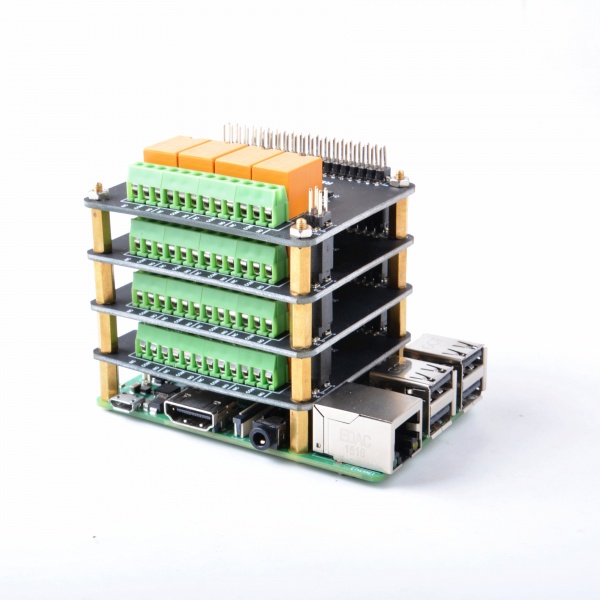
Works out of the box with popular relay HATs for Raspberry Pi. More boards are being added regularly.

🟢
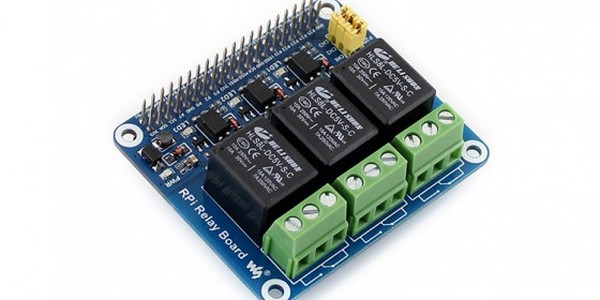
Waveshare 3-Channel relay board

Waveshare 3-Channel

SKU: 11638

Compact 3-channel relay HAT for Raspberry Pi. Great for smaller setups or balcony gardens.

🟢
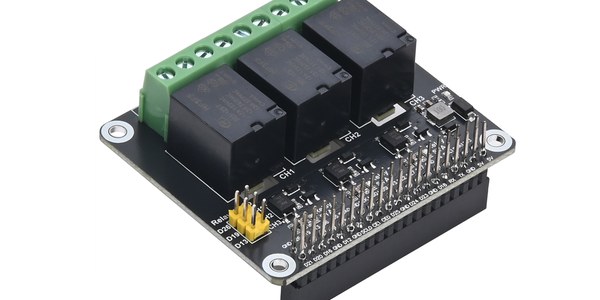
Seengreat 3-CH Relay HAT

Seengreat 3-Channel

SKU: 250509

3-channel relay expansion board for Raspberry Pi. A solid choice for compact irrigation setups.

🟢
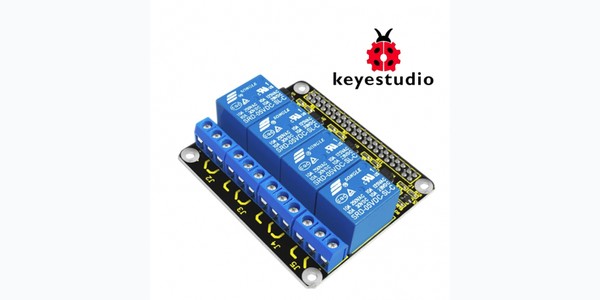
Keyestudio KS0212 relay board

Keyestudio 4-Channel

SKU: KS0212

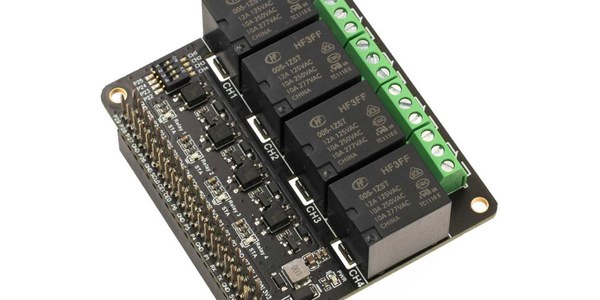
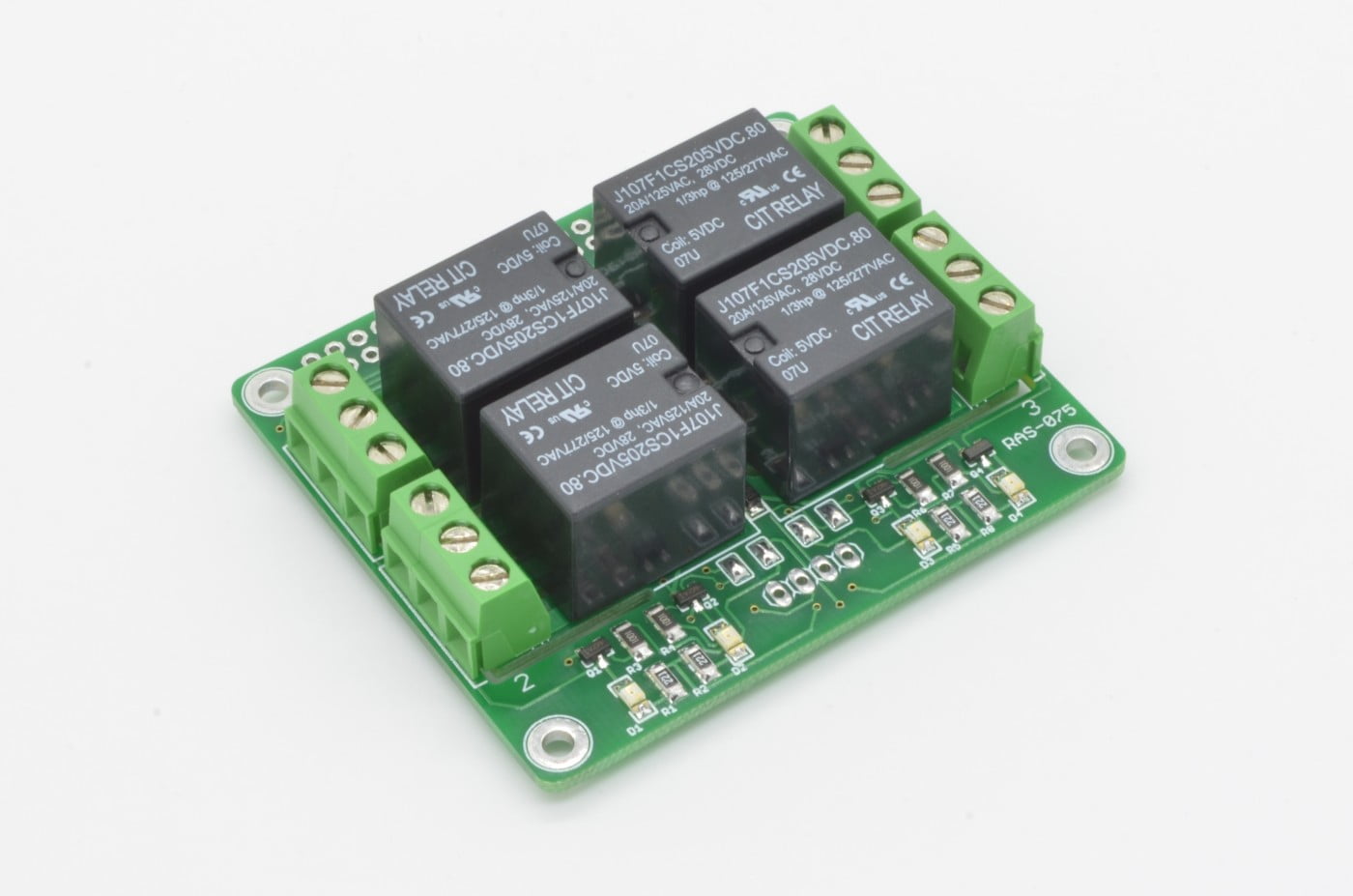
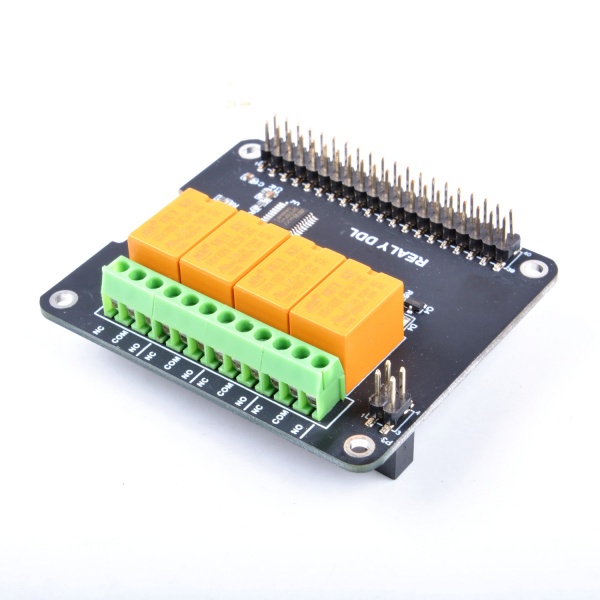
4-channel relay board for Raspberry Pi. Ideal for small gardens with up to 4 independent zones.

🟢
Seengreat 4-CH Relay HAT

Seengreat 4-Channel

SKU: 220741

4-channel relay expansion board for Raspberry Pi. Ideal for small gardens with up to 4 independent zones.

🟢
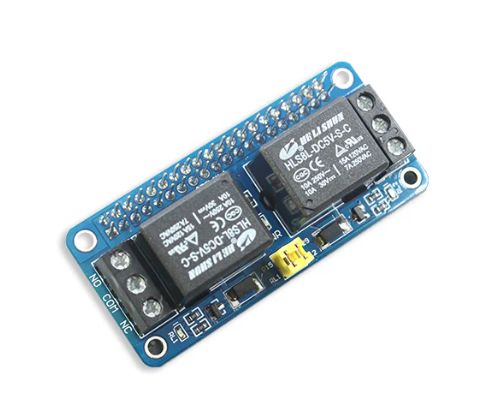
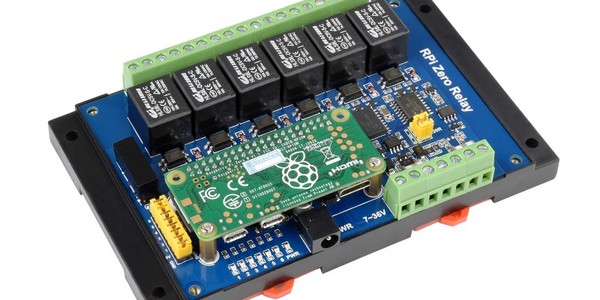
Waveshare RPi Zero 6-Channel relay board

Waveshare RPi Zero 6-Channel

SKU: 20863

6-channel industrial relay module for Raspberry Pi Zero. Perfect for mid-size irrigation setups.

🟢
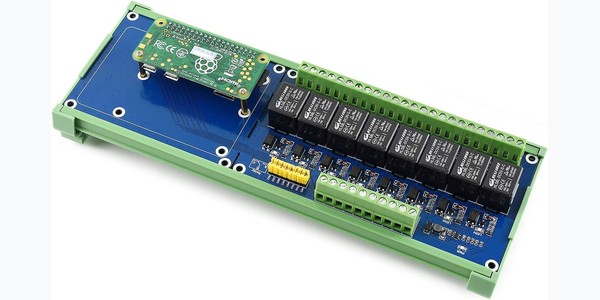
Waveshare 8-Channel relay board

Waveshare 8-Channel

SKU: 15423

8-channel relay HAT for Raspberry Pi. Supports up to 8 independent irrigation zones.

🟢
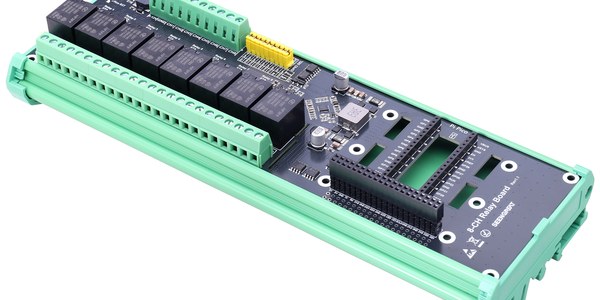
Seengreat 8-CH Relay Board

Seengreat 8-Channel

SKU: 260115

8-channel optocoupler-isolated relay board. Wide voltage input (5–12V), ideal for larger irrigation setups.

🔌

Don't see your board?

Get in touch and we'll add support for your relay board.

Request a board →
MQTT · Auto-Discovery

Works seamlessly with

Home Assistant MQTT

Connect Sprinqua to your MQTT broker and all irrigation zones appear automatically in Home Assistant as switches — no manual configuration required.

  • MQTT auto-discovery for all zones as switch entities
  • Mode selector entity — switch between Standalone and Home Assistant Managed directly from HA
  • In HA-Managed mode, internal schedules pause and HA takes full control via MQTT commands
  • All activations triggered by HA are logged in history with an MQTT tag

# Topics published by Sprinqua

sprinqua/zone/1/state → ON | OFF

sprinqua/zone/2/state → ON | OFF

sprinqua/mode/state → Standalone | HA-Managed

# Commands accepted by Sprinqua

sprinqua/zone/1/set ← ON | OFF

sprinqua/mode/set ← Standalone | Home Assistant Managed

# HA Auto-discovery

homeassistant/switch/

sprinqua_zone_1/config → {...}

homeassistant/select/

sprinqua_mode/config → {...}

Up and running in minutes

A guided setup wizard walks you through board selection, zone configuration, and relay testing before you ever touch a schedule.

1

Select Board

Pick your relay HAT from the supported boards list

2

Name Zones

Map channels to zones with a type and safety limit

3

Test Relays

Pulse each relay 3s to verify physical wiring

4

Water

Set schedules, enable Smart Watering, done

Ready to get started?

Install Sprinqua on your Raspberry Pi in under 10 minutes. Step-by-step guide included.

Installation Guide →
💧

Free and open source

Sprinqua is released under the GPL-3.0 license. Fork it, extend it, add your board, translate a new language. Contributions are welcome.